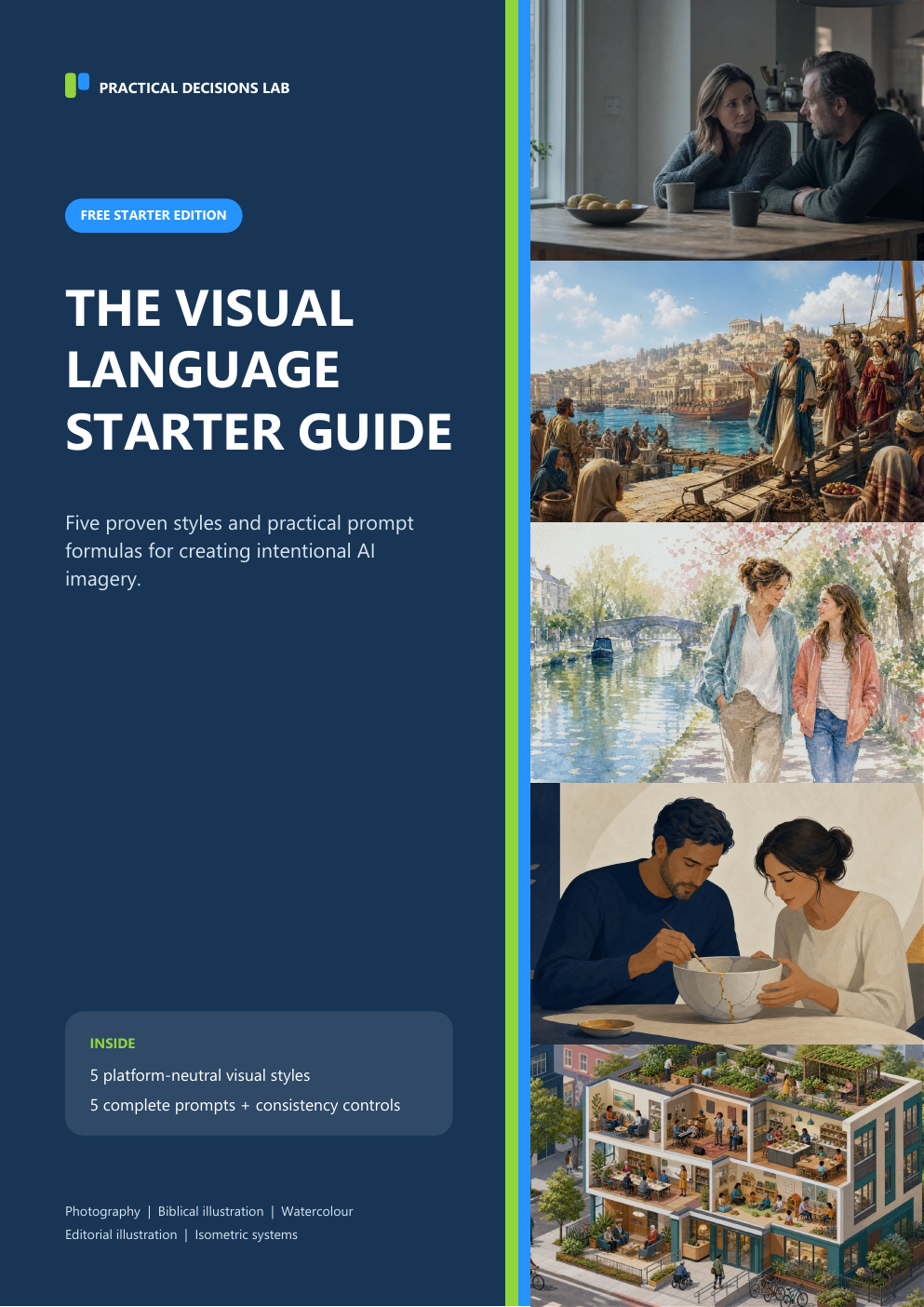
Free 14-page practical guide
Create AI images that look intentional.
Move beyond isolated style labels. Explore five recognised visual languages and learn how their defining visual rules can produce clearer, more deliberate and consistent imagery across different AI platforms.
- Make deliberate choices about style, composition, lighting and tone
- Create usable text-safe imagery for slides, teaching and publications
- Maintain coherent art direction across a series of images
Get the starter guide
Enter your email and receive the 14-page PDF immediately.
We will send the guide and occasional practical visual-design guidance. Unsubscribe at any time. Privacy Policy.
From subject prompts to visual direction
A subject tells AI what to show. Visual language tells it how to communicate.
The guide helps you express decisions about medium, composition, realism, lighting, palette and mood—so those choices become deliberate rather than implicit.
Build your visual vocabulary
Recognise established visual languages and understand the principles that distinguish them.
Direct a coherent series
Keep the style anchor fixed while changing the subject, setting and action from one image to the next.
Design for the intended use
Control focal position and reserve calmer areas for titles, teaching cards or annotations.
Five very different visual languages
See how the same prompting logic transfers across styles.
The starter set spans human photography, biblical storytelling, traditional media, conceptual metaphor and professional systems thinking.
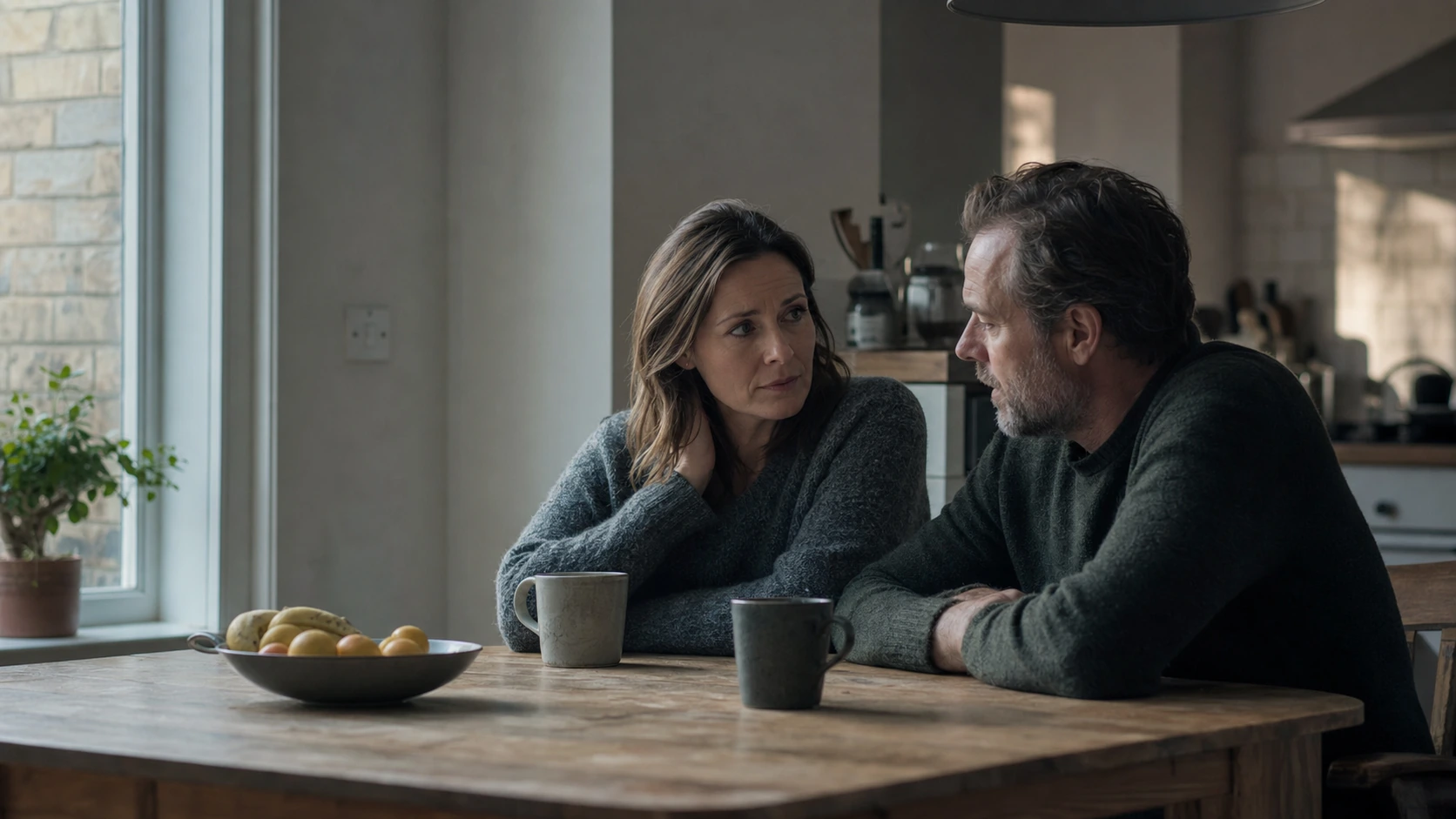
Naturalistic cinematic photography
Believable people, restrained performance and authentic environments.

Cinematic digital Bible-story illustration
Readable biblical action with historical depth and no game-art effects.
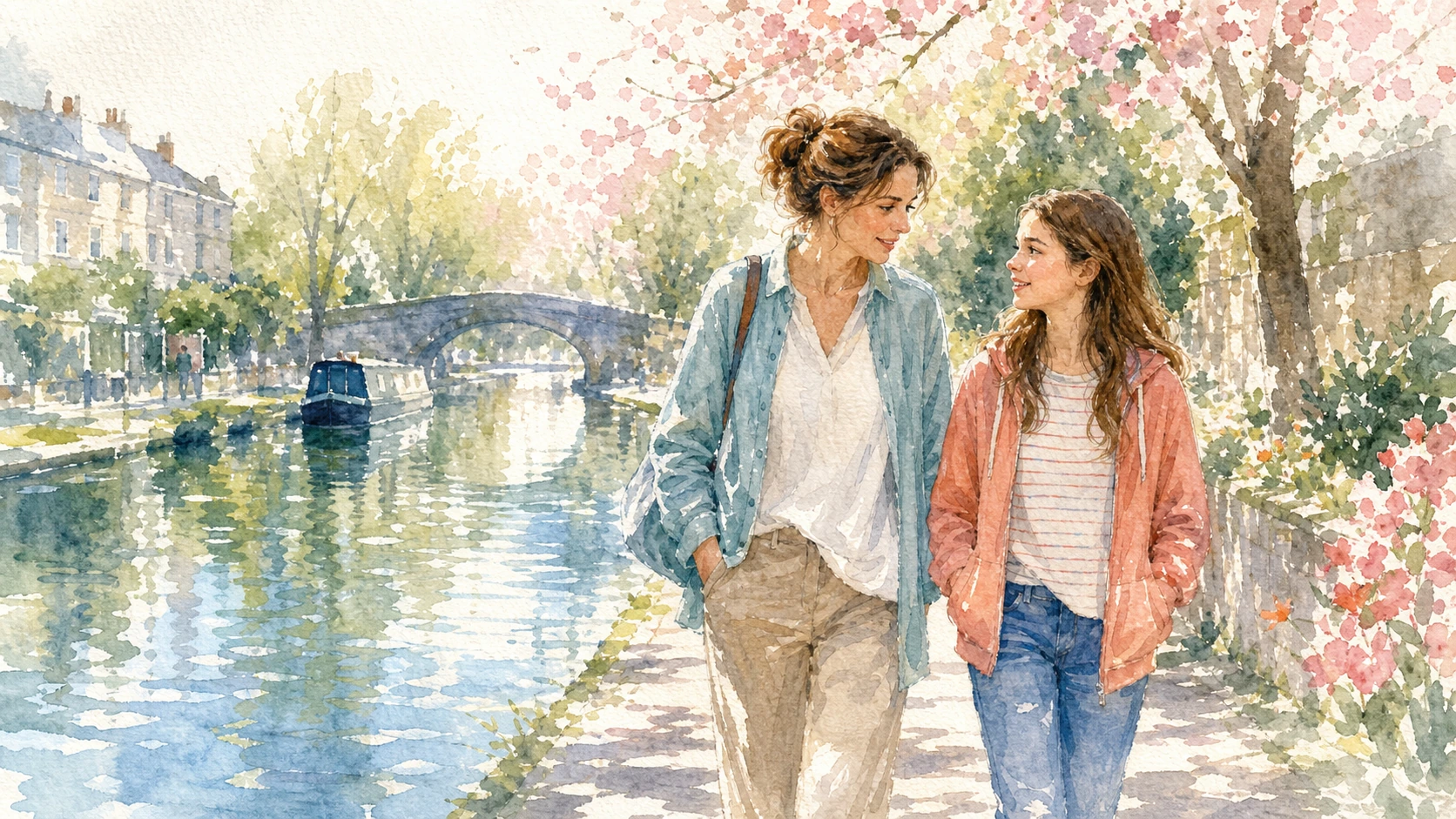
Watercolour illustration
Luminous paper, gentle emotion and naturally generous visual space.

Editorial illustration
One clear visual metaphor for abstract teaching and relationship ideas.

Isometric illustration
Connected spaces, processes and activities shown with diagrammatic clarity.
Inside the download
A practical guide you can use on your next image.
This is not a catalogue of fashionable adjectives. Each style is translated into a usable prompt system.
- A portable six-part prompt formula
- Five complete copy-and-paste starter prompts
- Fixed style anchors that preserve consistency
- Customise, keep fixed and avoid guidance
- Text-safe composition recommendations
- Practical "pro move" advice for stronger results
Three simple steps
From email to a better prompt in minutes.
Request the guide
Enter your email address and go directly to the download page.
Choose one style
Start with the visual language that best suits your audience and message.
Adapt the prompt
Change the subject and setting while keeping the style anchor intact.
Make your next AI image feel designed, not accidental.
Get the free 14-page guide and start with five styles that work across ministry, teaching, courses and professional communication.